
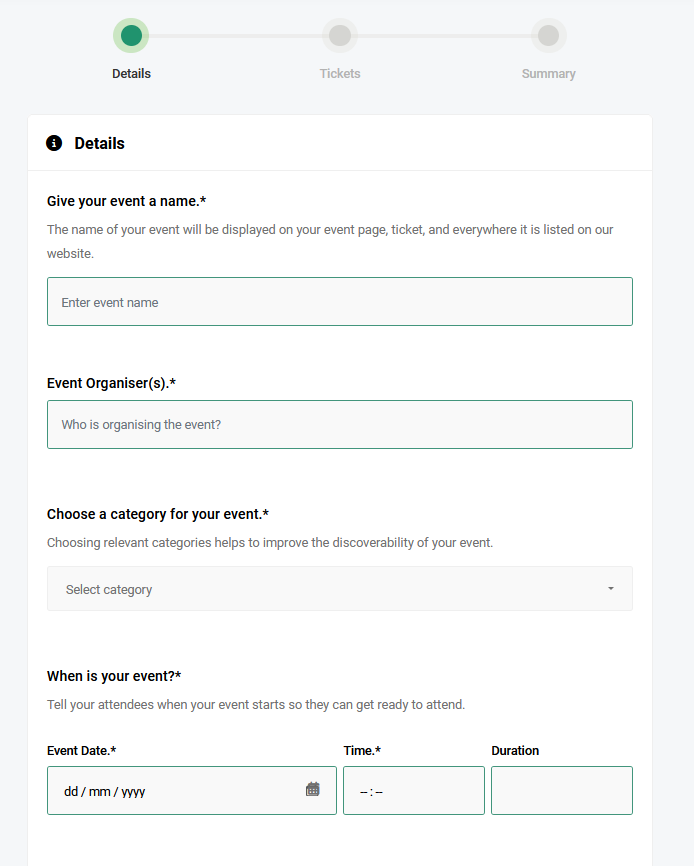
Creating an event is very simple with our easy-to-use event and ticket creation interface. Follow these steps:
Login to Your Account:
Access your ShowRave Events account by logging in.
Open the Menu:
Click on the MENU button located at the top left of your mobile screen.
Start Creating Your Event:
Locate and click on theCREATE EVENTbutton.
Select Event Type:
Choose the type of event you want to create: aVENUE EVENTor anONLINE EVENTwith no physical venue.
For more detailed instructions:
Learn to Create an Online Event
By following these steps, you can quickly and easily create your event.